
Set Timezone
- Description: Allows you to set your website’s timezone, ensuring that dates and times are displayed correctly across your site (e.g., order times, appointments).
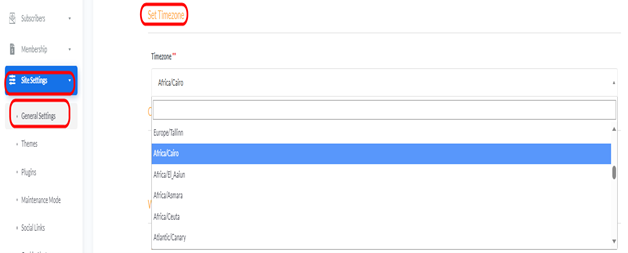
- Accessing Set Time zone: From “Site Settings” menu, select “General Settings”.
- How to Change: Select your desired timezone from the drop-down list (e.g., Africa/Cairo).
Saving Changes: After making any adjustments to the settings, click the “Update” button at the bottom of the page to save and apply the changes to your website.